Roofing AI website builder

Use this template

Business description used during chat intake

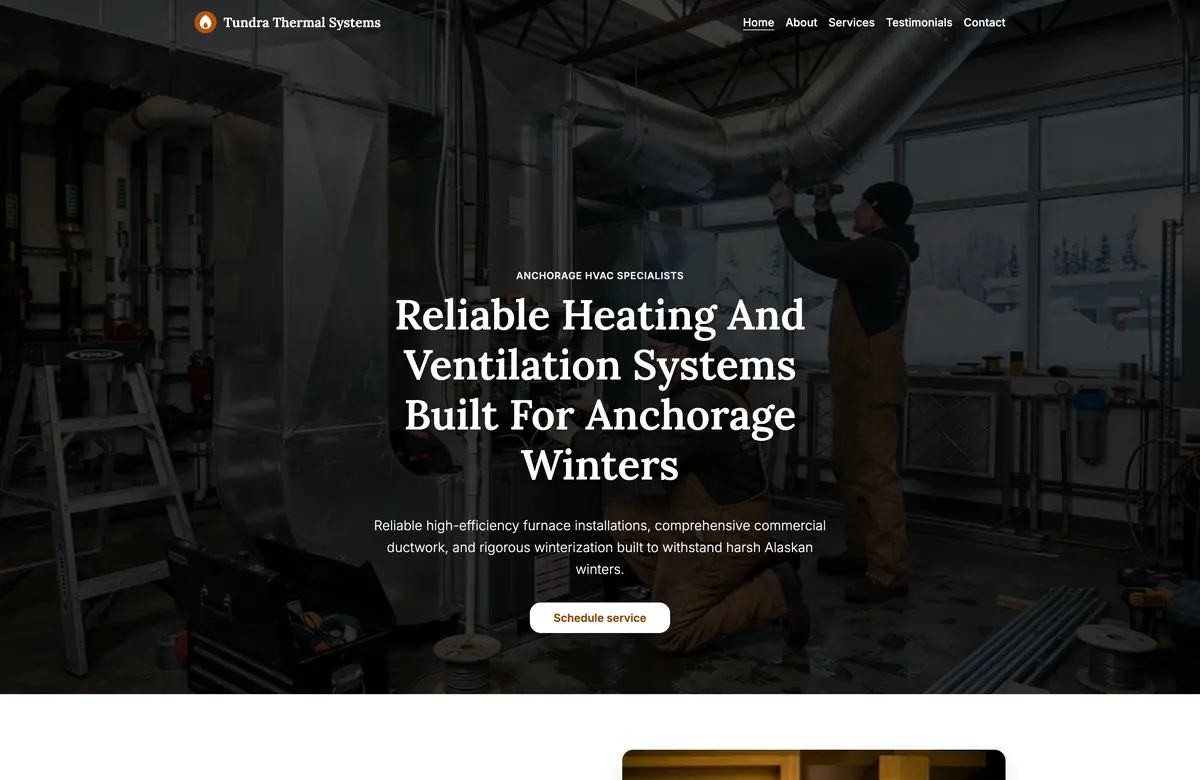
Apex Ridge Roofing

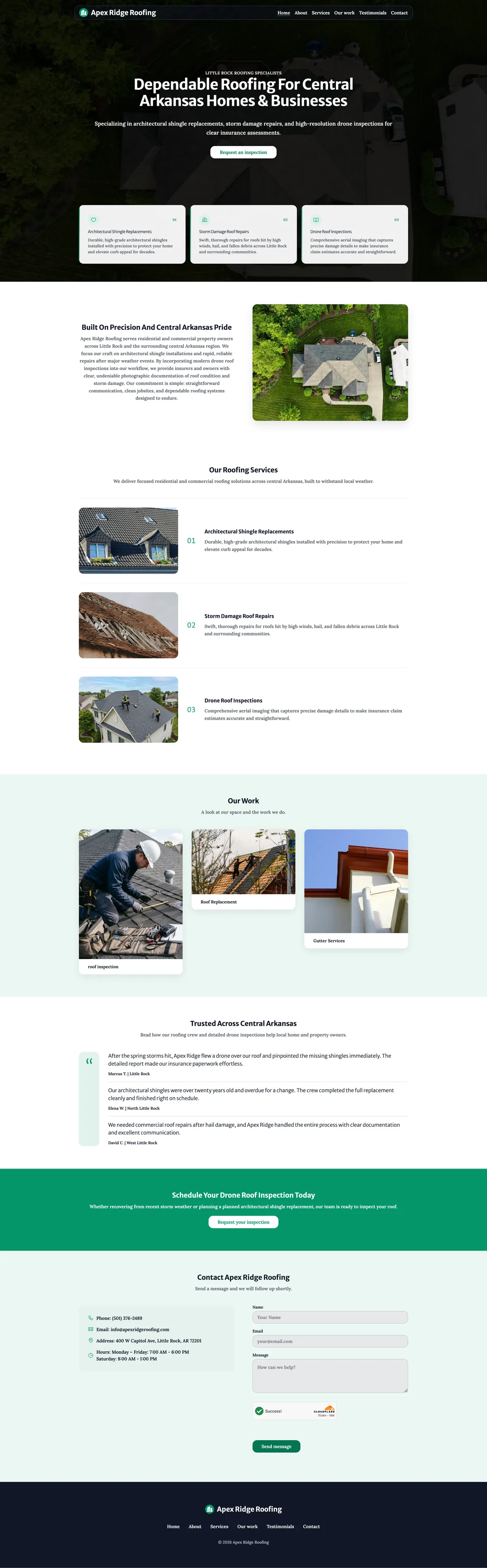
We're Apex Ridge Roofing in Little Rock, Arkansas. Residential and commercial roofing for central Arkansas. Our work is architectural shingle replacements and storm damage repairs. We use drone inspections so insurance estimates are specific. People call us after a storm or when a roof is due for replacement.

That is what we started from: who they are, where they work, and which jobs they do. WebW.AI turns it into a small business website. The video shows that path, from the description to the published page. The image is the live page.

How a roofing website gets built - Step by step

Grok Bot Prompt

Copy this prompt and use it with Grok Bot if you want the bot to build and publish your site. Edit the fields below with your real business details, then paste the whole block. You can also build it yourself to customize the whole site.

Build me a free website on webw.ai for my business.

Business name: [YOUR BUSINESS NAME]
Trade / type: [e.g. carpenter, plumber, HVAC]
City, state: [CITY, STATE]
Phone: [YOUR PHONE]
Email: [YOUR EMAIL]

What we do: [2–4 sentences about your services and who you serve]
Tone: [e.g. warm and local, or premium and polished]

Steps for the bot:
1. Go to https://webw.ai/start/ and sign in with MY email from this block (not your bot email), so I can edit the site later. Create an account with that email if needed.
2. Ask me for any missing intake fields above before you start. Do not reuse example or demo copy — use only what I provide.
3. Choose the closest trade, enter the business name and city, and paste my “What we do” into the description.
4. Generate the site, then refine as lead designer/developer for this customer: Shuffle Design / Change design until it feels unique to the trade; pick a better font pair if the default doesn’t match the vibe; use the Color panel (dark theme is on the second row) when dark fits — don’t change font or theme if the current look already matches; choose imagery, copy, and layout that fit the business; Rewrite with AI on weak copy; fix Our Work so every caption matches its photo (pool swap first, then AI image if needed).
5. Set Contact to the phone and email from this block.
6. Preview (Esc).
7. Before publishing, ask me what *.webw.ai slug I want. Check that it’s available; if it’s taken, tell me and ask for another until one is free. Then publish to that slug.
8. Open the live URL and confirm it looks right.

When you’re done, send me the live *.webw.ai link.

The live site

Full page of the Apex Ridge Roofing website for a Little Rock roofer
Apex Ridge Roofing, Little Rock, Arkansas. This is a demo site with a made-up business. The page is published so you can open it.

Why this page stays fast

Lightweight

A customer on a phone should see the business name, the services, and a way to call without waiting. The page stays light, so nothing extra has to load before it can be read.

The next visit is just as quick. The page is already ready, so nobody waits for it to be put together.
Page speed

Speed is how long someone waits before they can read the page and tap to call. This roofing site is a light page, so the business name, the work, and a way to call can show up without a long wait.

That score is from the day the site was published. Scores can change. Open the live site on your phone, or run Google’s page-speed check again if you want today’s number.

Easy to create

You do not pick a theme, move boxes around, or learn a website tool. You describe the business the way you would to a new customer: the name, the city, and the work you do.

What comes back is a draft that is easy to edit and publish. You do not start with a blank page.

One click to publish

You publish with one click. The site goes live on enterprise-grade servers. You do not buy hosting or upload files yourself.

It loads fast everywhere, not only for people near the business.

Publish free

Publishing is genuinely free. Your site goes live at an address like yourname.webw.ai.

A paid plan lets you connect your own .com domain.

Use this template

More Templates